

Build tough for the field – See what’s new in the RuggedJet 4 series
 Datacom
Printing & labeling solutions
for datacom
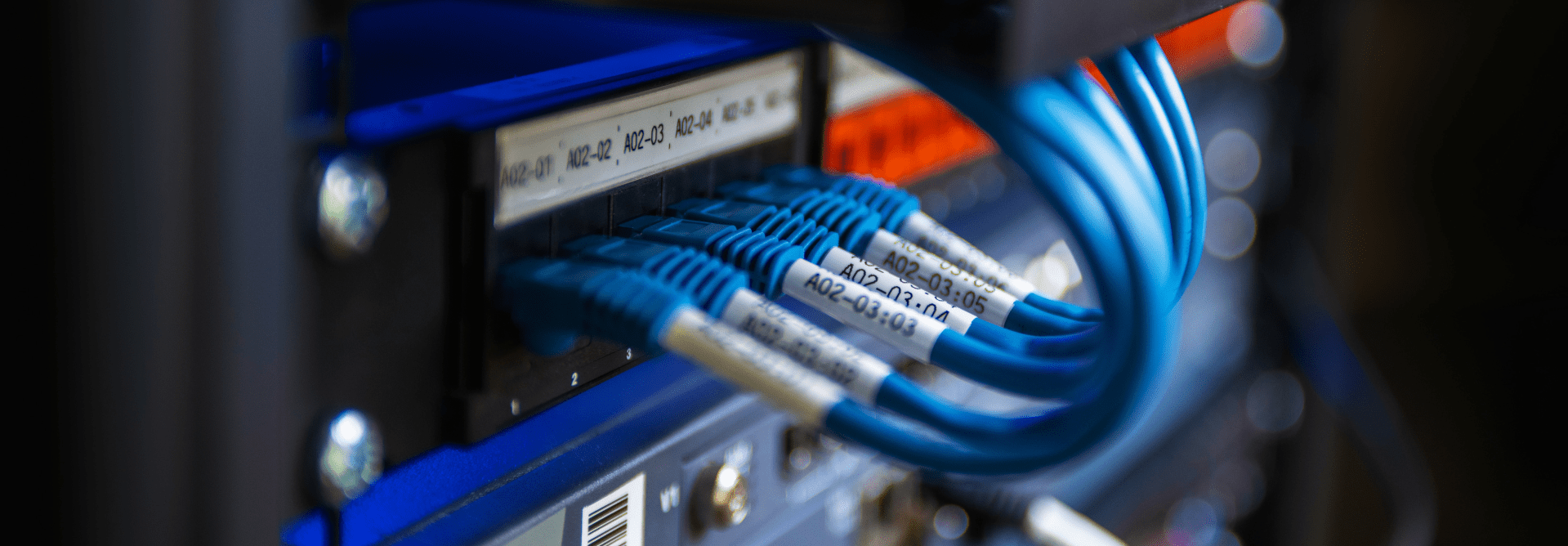
Meet the powerful, portable label printing machines that let you design and print accurate rack, cable, and wire labels when and where you need them.
Discover Brother genuine tapes for cables, panels, and industrial environments
 Features
Mobile printing and network cable labelers for datacom, security, and A/V
Print durable, laminated wire labels with barcodes, text, and symbols on tapes designed for all datacom applications. With a Brother P-touch industrial handheld label printing machine, you can print the exact number of labels you need for the job, on demand and onsite.

Extreme simplicity
Our network cable labelers are remarkably easy to use. Intuitive menus and built-in label application keys make it easy to create and produce professional wiring labels in seconds, without ever reading a manual.

Label durability
Get durable laminated wire labels that remain affixed and clearly readable for years. Brother tapes are resistant to abrasion, harsh UV exposure, extreme heat or cold, grease, water, grit, grime, and industrial solvents.

Top project accuracy
With smart keys for common flag label types, built-in templates and symbols, and advanced connectivity options for creating cable label tags directly from a database, it’s never been easier to accurately label even the largest datacom installations – and simplify future changes.

Affordability
Choose from three series of industrial label printing machine models designed with the features and functionality to meet the needs of contractors large and small. And because Brother tape cassettes hold larger capacity than competitive models, they’re even more affordable.
Find the right datacom label printer for you.

P-touch EDGE handheld industrial label printer series
Built with rugged performance to tackle demanding low voltage labeling projects and flexibility to adapt to changes onsite from a phone, PC or quick application keys right on the printer.
- Wire wraps & cable flag labels
- Patch panel labeling
- Fiber cable labels
- Electrical boxes & panels
- Equipment, cabinet & rack labels
- Heat shrink tube
- Sequentially numbered connections
- Active/passive electronics labels
- Asset management labels

P-touch EDGE portable industrial label printer series
Design and print durable cable, rack, and faceplate labels from templates on your phone with compact, battery-powered printers that deliver pro-grade accuracy and portability on the jobsite.
- Wire wraps & cable flag labels
- Patch panel labeling
- Fiber cable labels
- Electrical boxes & panels
- Equipment, cabinet & rack labels
- Sequentially numbered connections
- Active/passive electronics labels
- Asset management labels

P-touch desktop industrial label printer series
Print higher resolution cable, rack, and wire labels up to ~1-1/2 inch (36 mm) with up to 360dpi x 720dpi and print speeds as high as 3.1 inches per second. Even design custom labels like QR codes and barcodes using P-touch Editor software or Pro Label Tool app.
- Wire wraps & cable flag labels
- Patch panel labeling
- Fiber cable labels
- Electrical boxes & panels
- Heat shrink tube
- Equipment, cabinet & server rack labels
- Sequentially numbered connections
- Active/passive electronics labels
- Asset management labels


Smart solutions for your needs
Implement easily, update seamlessly, and print freely with innovative software and apps.

Pro Label Tool
Create labels for telecom, datacom, and electrical identifications on demand. Print from iOS® & Android™ devices to a Brother label printer via wireless network.


P-touch Editor Design Software
Create custom documents, labels, receipts, tags, and most industry-standard barcodes with this easy-to-use label design software. Brother iLink&Label
Download cable identifiers directly from the cloud and wirelessly send them to compatible P-touch EDGE label printers. 
Get certified. Grow your career.
Our online training gives you the tools you need to stay at the front of your profession. In this course, join us to learn all there is to know about ANSI/TIA-606-C Standards.
Datacom insights


Talk to an expert
Set up your virtual product demo, training, or meeting today.
Schedule a digital demo 